35. MUUN System
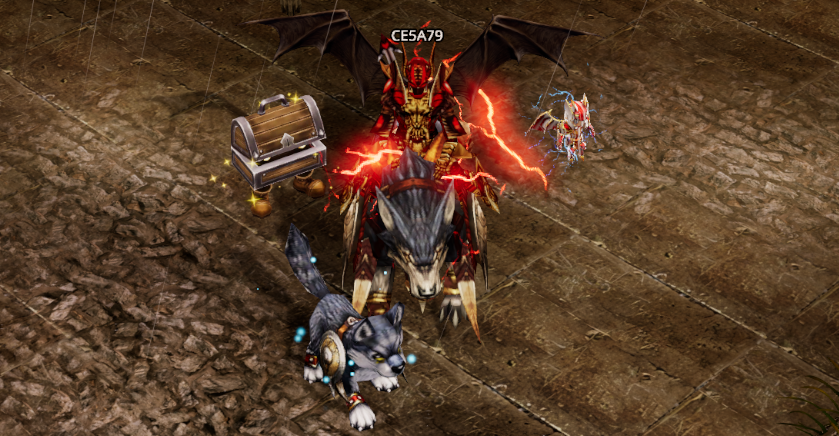
The Muun System is MU MAX Age's Companion System, providing characters with additional attributes and special effects through collectible Muun companions.
Players may equip up to three Muuns simultaneously. Each equipped Muun visibly follows the character, and the attributes granted by all equipped Muuns are active at the same time.
Muun are divided into three primary categories:
| Category | Description |
|---|---|
| Brave Warrior Muun | Muuns based on iconic characters from the world of MU. |
| Main Muun | Muuns based on monsters and bosses found throughout the game. |
| Mount Muun | Rideable Muuns that can also be used as mounts. |
Players have three dedicated Muun Slots, with each slot accepting one specific Muun category.
The effects from Brave Warrior Muun, Main Muun, and Mount Muun are all active simultaneously. Players do not need to manually enable or disable individual Muun effects.
Brave Warrior Muun
Brave Warrior Muuns are modeled after the iconic heroes of the MU universe, including:
-
Dark Knight
-
Dark Wizard
-
Fairy Elf
-
Prince
Characteristics
-
Always 5-Star Rarity.
-
Always at Maximum Level.
-
Designed to provide specialized attribute bonuses.
| MUUN | Icon | Effect | Requirement |
|---|---|---|---|
| Dark Knight | 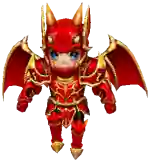 | STR +4 to +12 | Character Level 1+ |
| Dark Wizard | 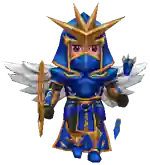 | Energy +4 to +12 | Character Level 1+ |
| Fairy Elf | 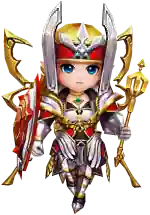 | Agility +4 to +12 | Character Level 1+ |
| Prince | 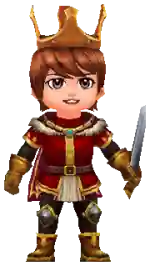 | HP +10 to +50 MP +10 to +50 Skill Damage +5 to +15 | Character Level 50+ |
Main Muun
Main Muuns are based on monsters and bosses found throughout MU MAX Age, such as Ice Queen, Gorgon, and other unique creatures.
Unlike Brave Warrior Muuns, Main Muuns feature a complete progression system, including:
-
1–5 Star Rarity
-
Level 1–5
-
Evolution into an Evolved form
-
Randomized Base Stats
-
Enhancement
-
Evolution
-
Stat Reroll
| MUUN | Icon | Effect | Requirement |
|---|---|---|---|
| Treasure Chest | 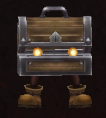 | Character Level 1+ | |
| Treasure Chest (Evolved) | 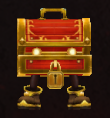 | STR +0 to +3 Agility +0 to +3 Energy +0 to +3 | Character Level 1+ |
Mount Muun
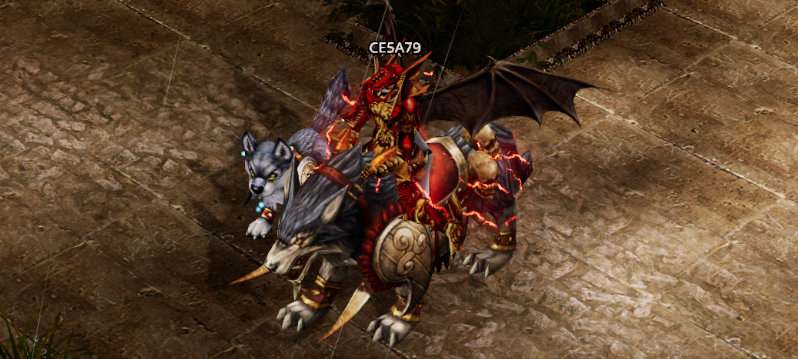
Mount Muuns are rideable companions.
Players can mount or dismount by pressing:
Ctrl + Z
Even while not mounted, all attribute bonuses and effects granted by the equipped Mount Muun remain active.
Movement Speed is always determined by the fastest mount currently equipped, regardless of whether the player is riding a Mount Muun, riding another mount, or travelling on foot.
| MUUN | Icon | Effect | Requirement |
|---|---|---|---|
| Tibetton | 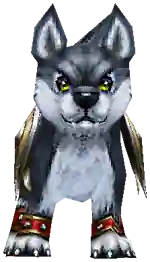 | Character Level 50+ | |
| Tibetton (Evolved) | 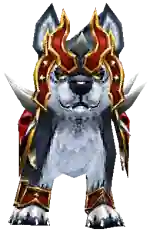 | STR +1 to +5 | Character Level 50+ |
Muun Level & Rarity
Each Muun possesses both a Rarity and a Level, which together determine the magnitude of its attribute bonuses.
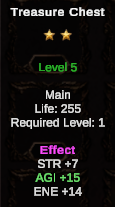
Muun progression consists of:
-
Level 1
-
Level 2
-
Level 3
-
Level 4
-
Level 5
-
Evolved
Higher Rarity and Level result in significantly stronger attributes.
| Rarity | Lv.1 | Lv.2 | Lv.3 | Lv.4 | Lv.5 | Evolved |
|---|---|---|---|---|---|---|
| ★1 | stat x 1 | stat x 1.5 | stat x 2 | stat x 2.5 | stat x 3 | stat x 3.5 |
| ★2 | stat x 1 | stat x 2 | stat x 3 | stat x 4 | stat x 5 | stat x 6 |
| ★3 | stat x 1 | stat x 2.5 | stat x 4 | stat x 5.5 | stat x 7 | stat x 8.5 |
| ★4 | stat x 1 | stat x 3 | stat x 5 | stat x 7 | stat x 9 | stat x 11 |
| ★5 | stat x 1 | stat x 3.5 | stat x 6 | stat x 8.5 | stat x 11 | stat x 13.5 |
Muun Enhancement
Players may enhance a Muun from Level 1 to Level 5 by consuming another Muun of the same type.
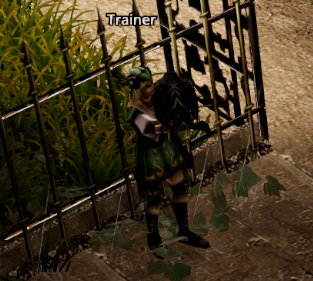
Enhancement is performed through the Pet Trainer NPC.
-
Location: Lorencia
-
Coordinates: (122, 110)
Requirements
-
One duplicate Muun is required per enhancement attempt.
-
The material Muun is always consumed.
-
Talisman of Luck increases the success rate by 10%.
| Upgrade | Success Rate | Failure Result |
|---|---|---|
| Lv.1 → Lv.2 | 90% | Returns to Lv.1 |
| Lv.2 → Lv.3 | 80% | Returns to Lv.1 |
| Lv.3 → Lv.4 | 70% | Returns to Lv.2 |
| Lv.4 → Lv.5 | 60% | Returns to Lv.3 |
| Evolution | 50% | Returns to Lv.1 |
When an enhancement fails, the Muun's Base Stats remain unchanged. Only the Level multiplier is reduced according to the new level.
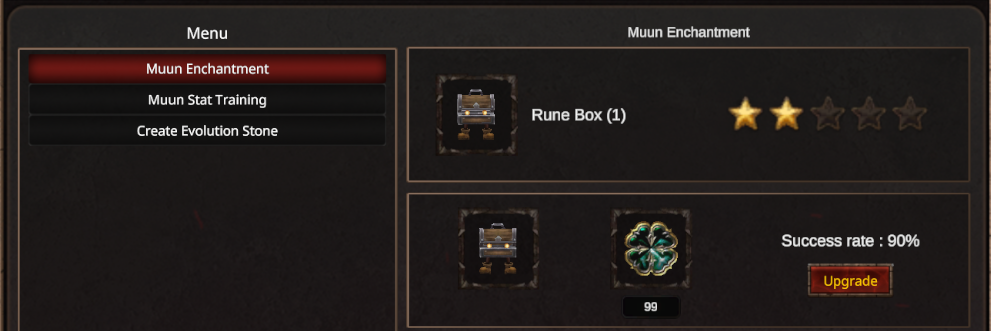
Enhancement Process
-
Right-click the primary Muun to enhance.
-
Right-click the duplicate Muun to use as enhancement material.
-
Review the success rate and upgrade information.
-
Press Upgrade to begin the enhancement.
Alpha Test Note
The Muun Enhancement system is fully functional during the Alpha Test. Some interface elements and visual effects are still undergoing polish and refinement.
Muun Evolution
Once a Muun reaches Level 5, it becomes eligible for Evolution.
Evolution transforms the Muun into a more powerful Evolved form with improvements including:
-
New appearance
-
Upgraded Muun form
-
Improved attribute scaling
Evolution requires an Evolution Stone.
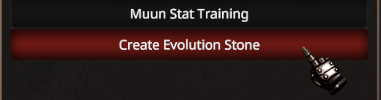
An Evolution Stone is crafted using:
-
Spirit of Muun ×30
-
Jewel of Lugard ×5
Crafting is performed through the Pet Trainer in Lorencia.
Spirit of Muun & Disassembly

Unused Muuns may be Disassembled to obtain Spirit of Muun.
The number of Spirits obtained depends on the Muun's rarity.
| Rarity | Spirit of Muun Received |
|---|---|
| ★1 | 1 |
| ★2 | 2 |
| ★3 | 3 |
| ★4 | 4 |
| ★5 | 5 |
Spirit of Muun is primarily used to craft Evolution Stones for Muun Evolution.
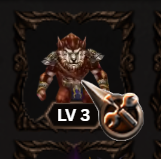
How to Disassemble a Muun
Click the Disassemble icon.
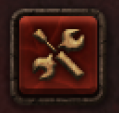

The cursor changes to Disassemble Mode.
Click the Muun you wish to disassemble.
Muun Stats & Stat Reroll
Each Muun is generated with randomized Base Stats, which may include:
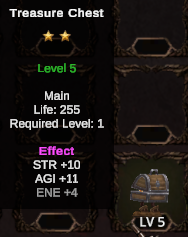
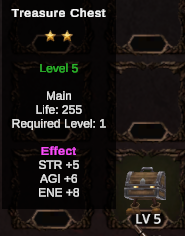
-
HP
-
Defense
-
Energy
-
Strength
-
Agility
-
Attack Success Rate
-
Drop Rate
-
EXP Rate
Base Stats remain permanent unless modified through Stat Reroll.
Stat Reroll is performed through the Pet Trainer using:
-
Protein Pills — Rerolls all Base Stats.
-
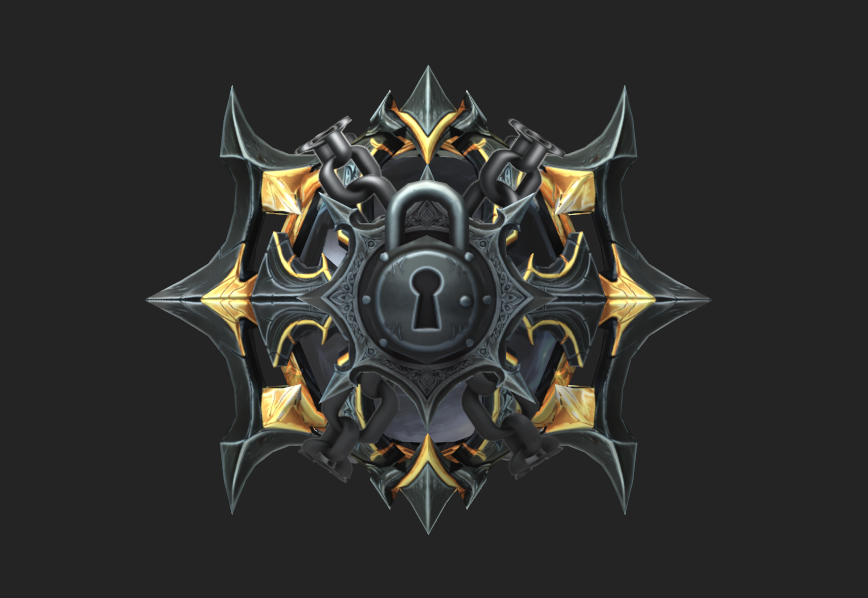
Lock Pills — Locks one selected stat, preventing it from being rerolled.
How to Reroll Muun Stats
-
Place Protein Pills in the main Inventory.
-
Prepare Lock Pills if you wish to preserve specific stats.
-
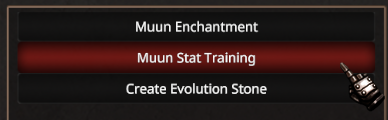
Visit the Pet Trainer and select Muun Stat Training.
-
Right-click the Muun to place it into the training window.
-
Press Training to reroll the Muun's Base Stats.
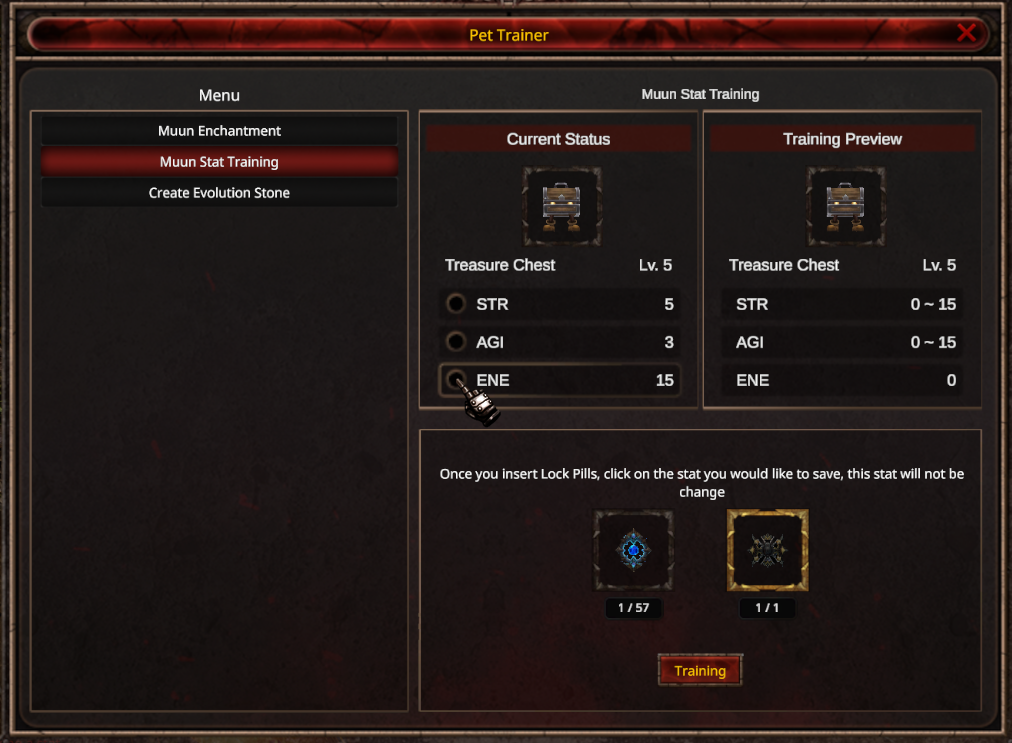
To lock a specific stat:
-
Activate a Lock Pill until it displays a gold border.
-
Select the stat(s) you wish to preserve.
-
Press Training.
Locked stats remain unchanged, while all unlocked stats are rerolled normally.