21. Party System
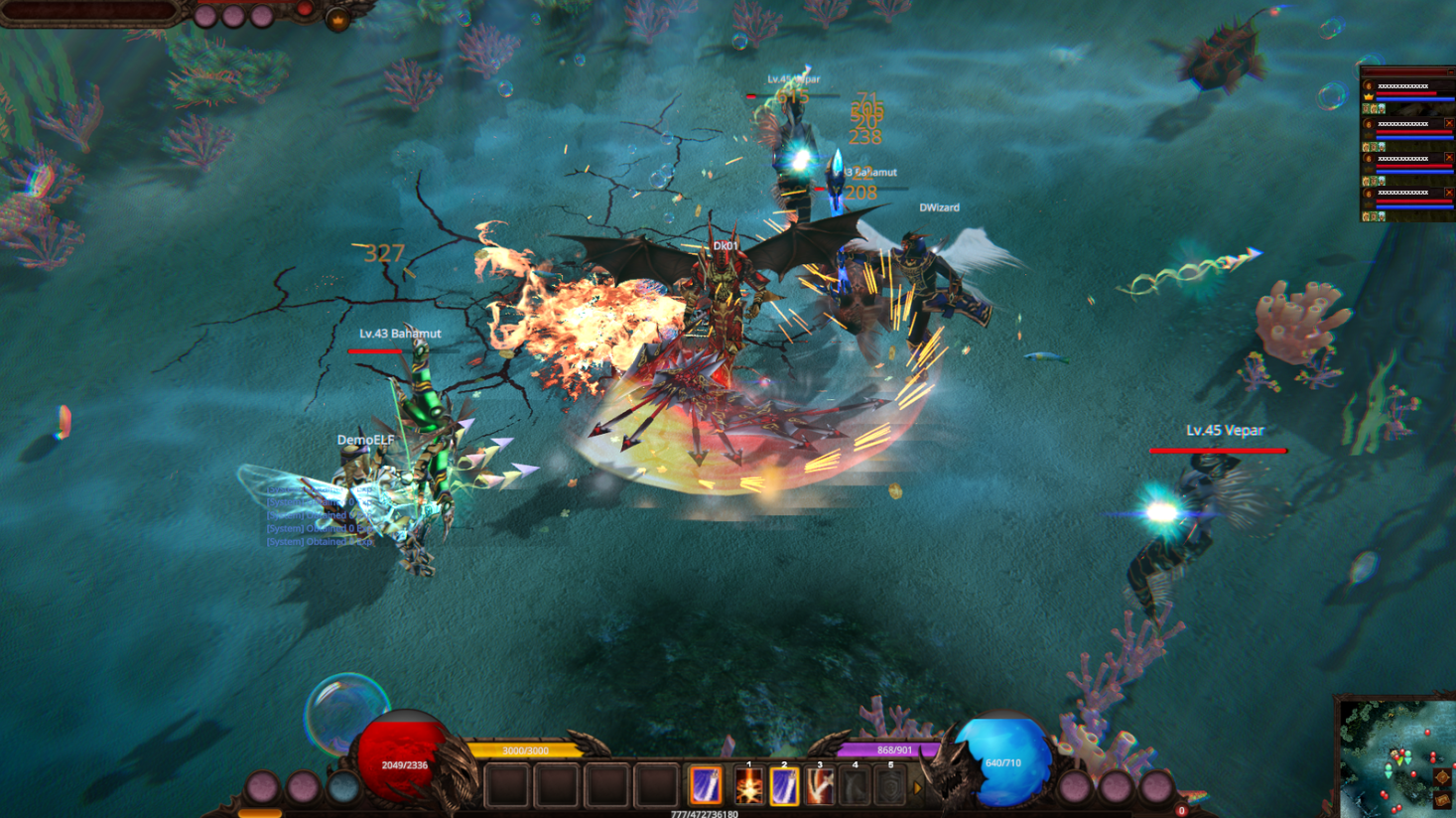
The Party System allows players to form a group for leveling, hunting monsters together, and playing as a team with friends. Players can press P to open the Party window at any time.
A party can consist of up to 7 members, with one member designated as the Party Leader. Players within the same party cannot engage in PK against one another.
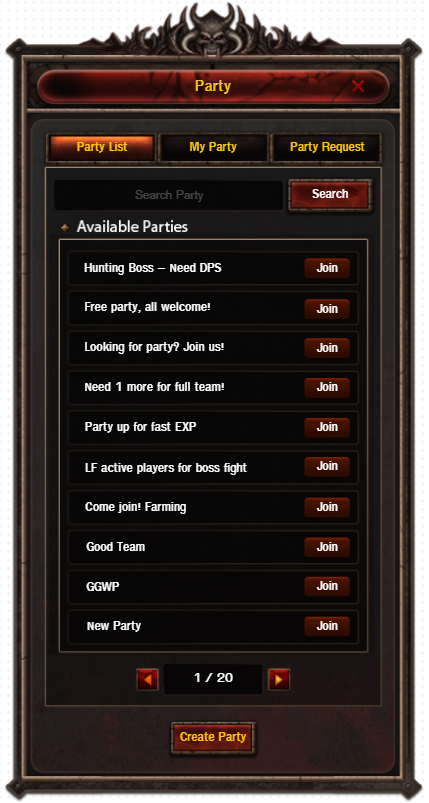
Party Window

The Party window is divided into three main sections:
-
Party List — Displays a list of parties currently open for members
-
My Party — Shows information about the current party and its members
-
Party Request — Shows join requests from other players
In the Party List tab, players can search for an available party to join or create a new party. Each listing displays the party's name, level condition, and basic party details.
Create & Join Party
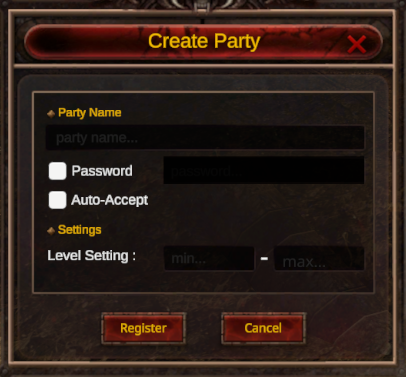

Players can create a party and configure basic settings, including:
-
Party Name
-
Password for joining
-
Auto-Accept setting
-
Member level condition
If Auto-Accept is enabled, players may join the party immediately upon request.
If disabled, the system will send a join request that must be approved by the party leader first.
For parties with a password set, players must enter the correct password before they are able to join or send a join request.
My Party
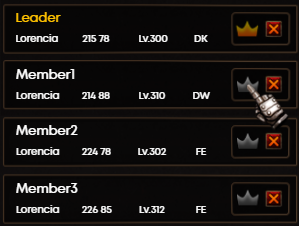
The My Party tab displays the list of members currently in the party, along with key information such as character name, current map, level, class, and online status.
The Party Leader can manage the party — for example, kicking a member or transferring leadership to another member. If the leader leaves the party, leadership will automatically be transferred to the next member in line.
Party EXP
The Party EXP system supports shared leveling by granting EXP to members who meet the required conditions from monsters killed by the party.
Members will receive EXP when they:
-
Are online
-
Are in the same party
-
Are within a maximum range of 11 tiles
-
Meet the party's Level Gap condition
The Party EXP Bonus increases based on the number of members who meet the above conditions:
| Number of Members | EXP Multiplier | EXP Multiplier (Full 3-Class Party) |
|---|---|---|
| 1 | 1.00 | 1.00 |
| 2 | 1.50 | 1.50 |
| 3 | 1.80 | 2.10 |
| 4 | 2.10 | 2.70 |
| 5 | 2.40 | 3.30 |
| 6 | 2.70 | 3.90 |
| 7 | 3.00 | 4.50 |
If members within the party have a level difference exceeding 100 levels, EXP Share and the Party Bonus will be temporarily disabled for those members. They may remain in the party, but will only receive EXP based on their own individual kills.
Drop Bonus
The Drop Bonus system supports cooperative hunting by reducing the difficulty of item distribution among party members, granting an increased Drop Rate to members who meet the required conditions when a monster is defeated.
Members will receive the Drop Bonus when they:
-
Are online
-
Are in the same party
-
Are within a maximum range of 11 tiles
-
Meet the party's Level Gap condition
| Party Size | Drop Bonus |
|---|---|
| 1 | +0% |
| 2 | +20% |
| 3 | +40% |
| 4 | +60% |
| 5 | +80% |
| 6 | +100% |
| 7 | +120% |
If members within the party have a level difference exceeding 100 levels, the Drop Bonus will be temporarily disabled for those members. They may remain in the party, but will not receive the Drop Bonus.
Item Sharing
Party members can pick up items that drop within the party's shared range.
Party Mini Member Bar
While in a party, the Party Mini Member Bar is displayed on-screen, allowing players to conveniently monitor each member's status, including HP, Mana, buffs, and online status.
Players can use the Party Mini Member Bar to select a target for Heal or Buff more efficiently, particularly useful for Support-oriented classes such as Fairy Elf.
If a member is within range, their status will be shown and updated in real-time.
If a member is out of range, on a different map, or offline, some information will be shown in a limited form, and certain interactions may not be available.