14. Mini Map System
The Mini Map displays your current location and the surrounding area, making it easier to navigate and explore the world.
Mini Map Toggle
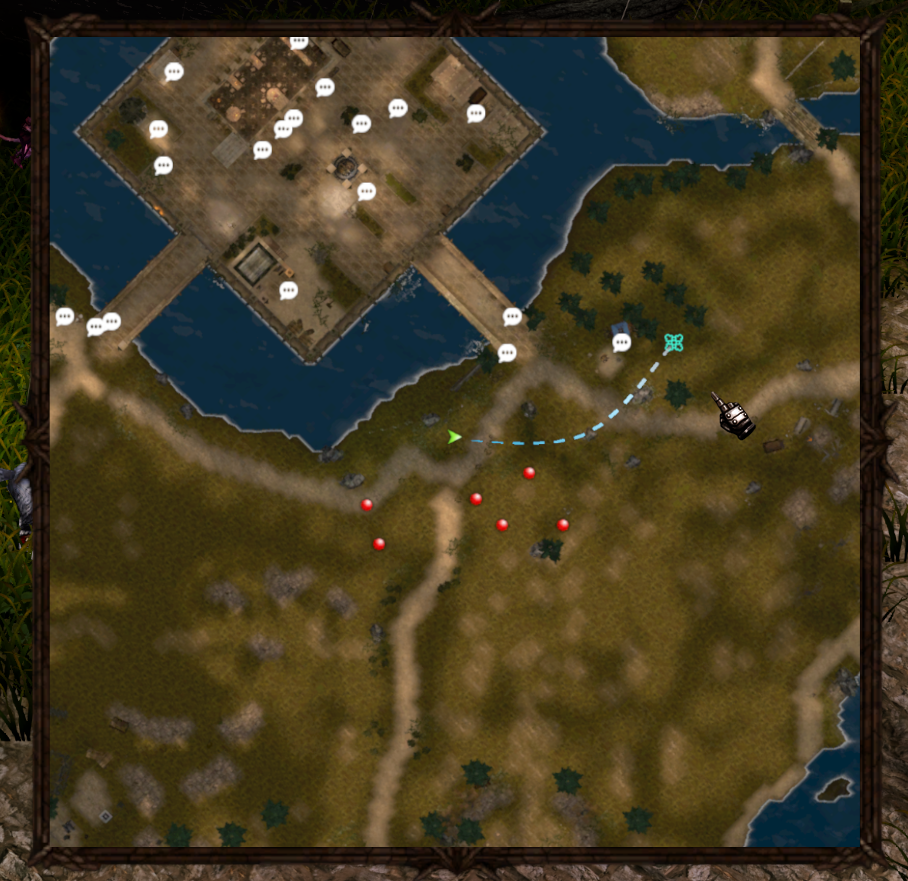
Press Tab to switch the Mini Map display modes:
-
Step 1: Compact Mini Map
-
Step 2: Full Mini Map
-
Step 3: Hide Mini Map
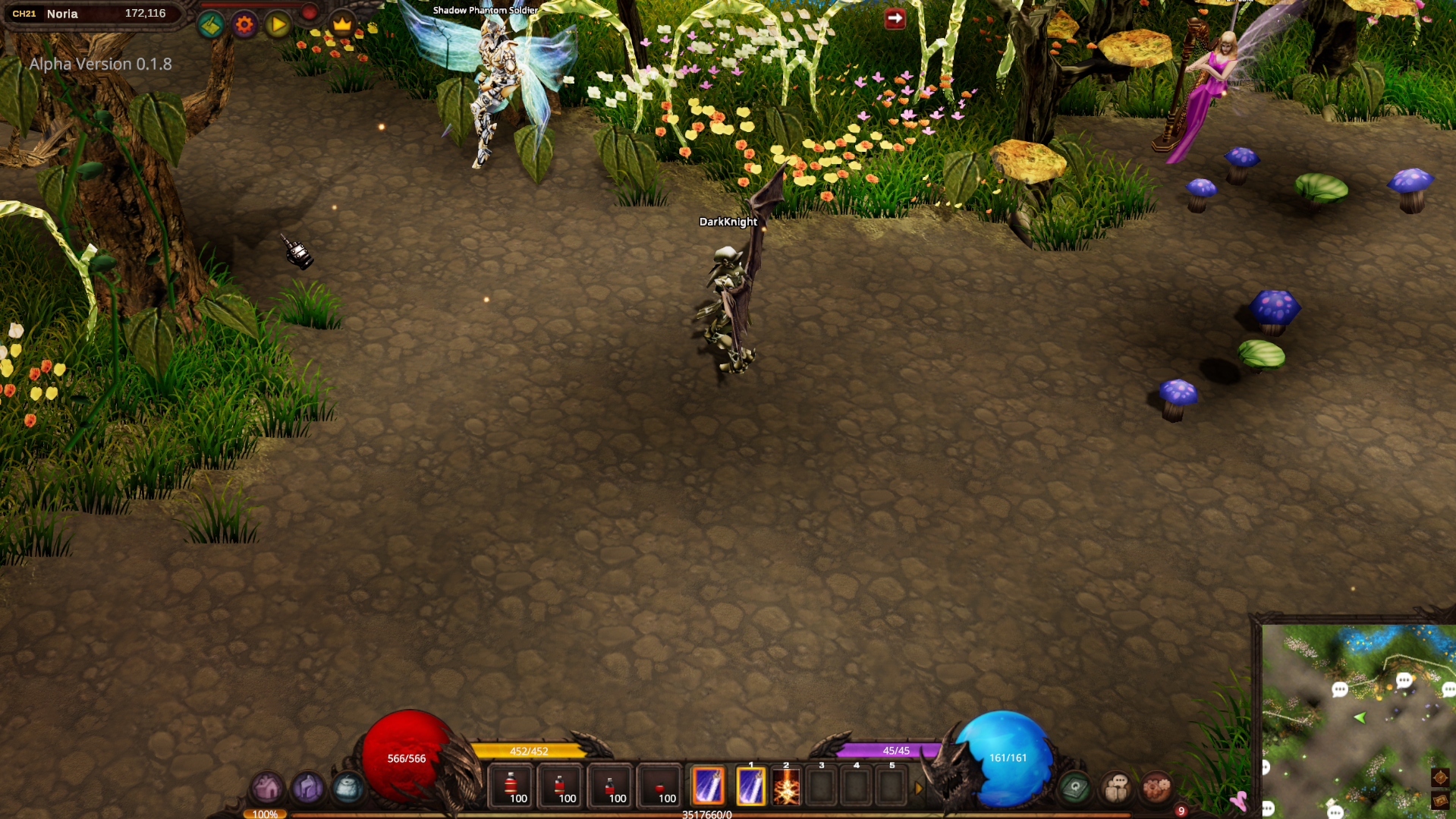
Mini Map Controls
When using the Full-mode Mini Map, you can customize its display using the following controls:
-
Press [ to Decrease transparency
-
Press ] to Increase transparency
-
Press - to Zoom out
-
Press + to Zoom in and enlarge the map
-
Scroll Mouse Wheel to Zoom in or out
Auto-Move via Mini Map
While in the Full-mode Mini Map, you can left-click anywhere on the map to set a destination.
Your character will automatically move toward the selected location.

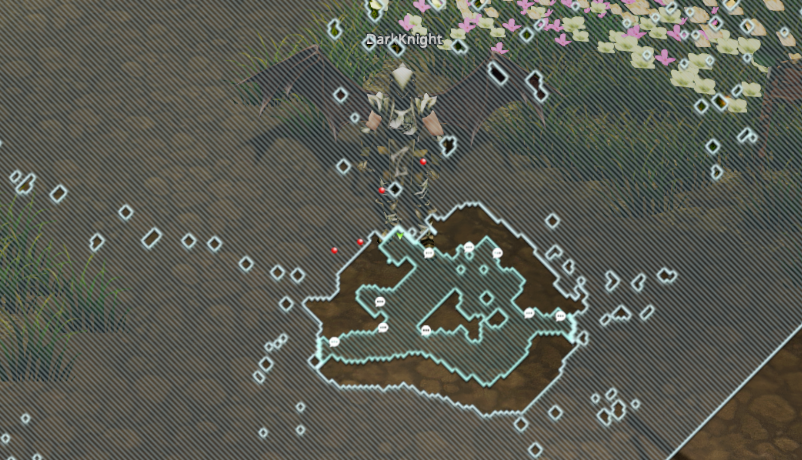
Transparent Map Mode
Click the Compass icon to switch between the standard Mini Map and Transparent Map modes.
Transparent Map Mode overlays the map on the game screen, allowing you to navigate while maintaining visibility of your surroundings.